
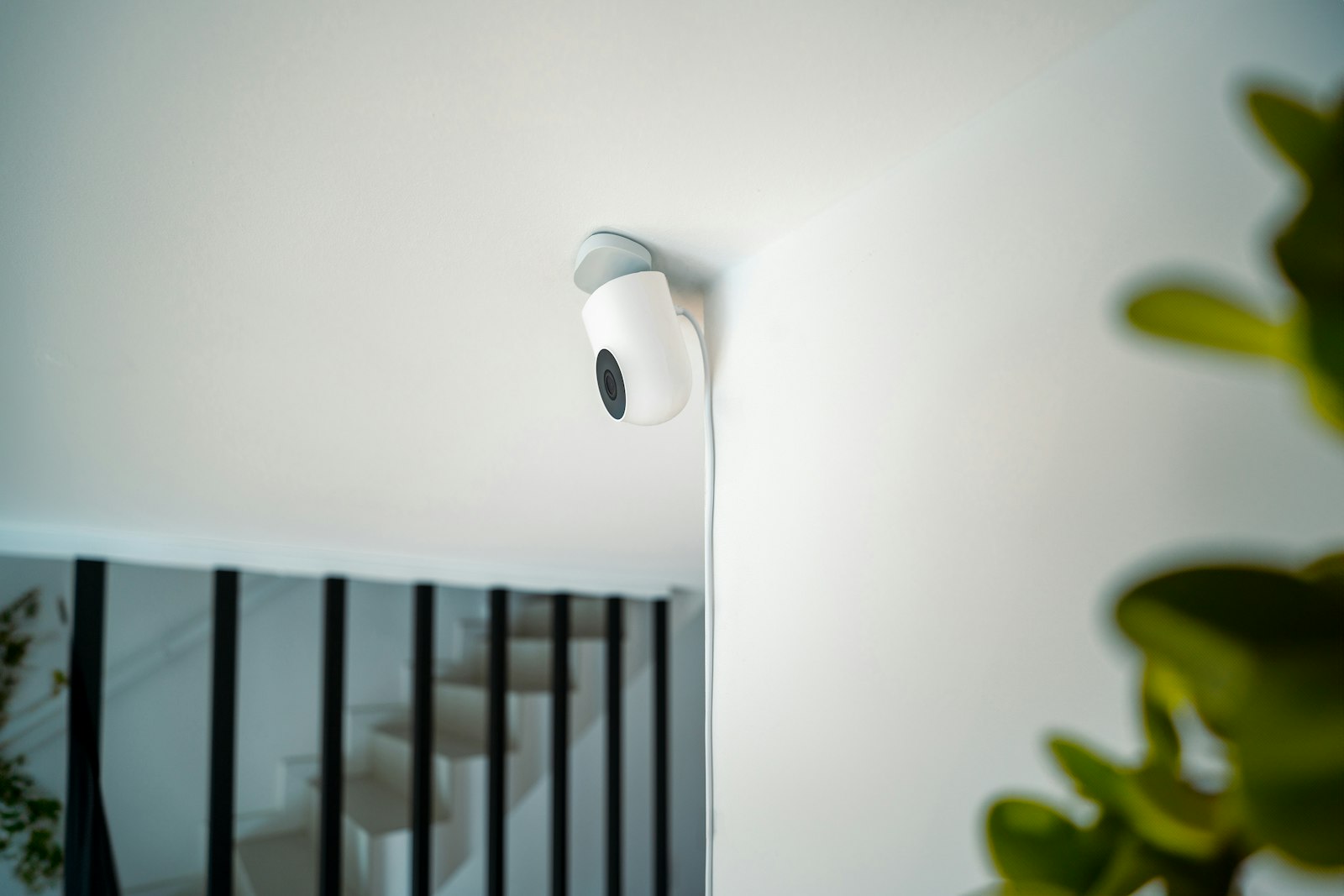
Which security camera systems allow remote monitoring and alerts?
Almost any modern camera can stream to a phone. The difference is in how useful the alerts are, and whether the cameras work on their own or as part of a security system. These are the main types:
- Video doorbells. See and talk to visitors and delivery drivers from your phone, even when you are not home.
- Outdoor cameras. Cover the driveway, back door, garage and yard, with night vision for after dark.
- Indoor cameras. Check on pets, kids or an empty house, with privacy settings so they only record when you want them to.
- Cameras linked to an alarm. Cameras and alarm share one system and one app, so a camera can record the moment a door opens while the alarm is armed.
For most homeowners, the strongest setup is the last one: cameras and a doorbell that sit in the same app as the alarm.
How remote camera monitoring works in Windsor homes
Each camera connects to your home Wi-Fi and sends video to an app on your phone. From the app you can open live view, review recorded clips and use two-way talk on a doorbell. Alerts arrive as notifications when the camera sees something worth your attention.
Cameras need your internet connection to send video to your phone. That is worth knowing before you choose positions far from your router. If your cameras are part of a monitored alarm, the alarm itself keeps working over cellular if the Wi-Fi drops.
Smart alerts: the feature that matters most
A camera that sends an alert for every passing car soon gets ignored. Smart clips solve that. They send a short video clip to your phone when a person or vehicle is detected, rather than every bit of movement on the street.
When you compare systems, ask how alerts are filtered, whether you can choose which cameras alert you, and how easy it is to review and save a clip. A clip you can save matters if you ever need to share footage of a parcel theft or damage to a car.
What to look for before you buy
- One app for everything. Doors, cameras and alarm status in one place are easier to use day to day.
- Useful alerts. Person and vehicle detection, not a ping for every leaf.
- Night vision. Footage after dark is only useful if you can see clearly what happened.
- Privacy controls. Indoor cameras should record only when you want them to.
- A link to your alarm. When the alarm goes off, you and the alarm monitoring station can see what triggered it.
- Good placement. Cameras positioned for the driveway, doors and yard, with wiring run neatly and a strong Wi-Fi signal.
If you are starting with the front door, our guide to video doorbell installation in Windsor covers wired and battery options.
Planning camera positions around your home
Good remote camera monitoring starts with where the cameras go. Think about how people actually reach your home, then cover those routes first.
Start with the front door, where a video doorbell shows visitors and parcel drops. Then look at the driveway, where vehicles are parked overnight. The back door and side yard come next, since they are out of sight from the street. A detached garage or shed is worth a camera if you keep tools or bikes there.
Inside, one camera facing the main entry is often enough. Use privacy settings so it records only when the house is empty or the alarm is armed.
In older Windsor neighbourhoods, a strong Wi-Fi signal can be the hardest part. Brick walls and detached garages can weaken it. That is worth checking before you settle on a position, because a camera with a weak signal sends late or broken alerts.
Running a business as well? Commercial sites have different needs, such as covering tills, loading areas and parking. See our business security camera installation page.
Getting cameras installed in Windsor-Essex
Unique Communications is a family-owned Windsor company, in business since 1961. We install home security cameras and video doorbells for homes across Windsor-Essex and the area to London, including LaSalle, Tecumseh, Amherstburg, Kingsville, Leamington and Lakeshore.
We choose camera positions with you, run any wiring neatly, connect everything to your Wi-Fi, set up the app on your phones and show you how to review and save clips. Cameras can be installed on their own and added to an alarm later.
Common questions
Can I watch my home security cameras from my phone?
Yes. Live view, recorded clips and two-way talk on a video doorbell are all in the app on your phone.
Do I need an alarm system to have cameras?
No. Cameras and doorbells can be installed on their own and added to an alarm later. Linking them to an alarm lets cameras record when a door opens while the alarm is armed.
Will my cameras work if the Wi-Fi goes down?
Cameras need your internet connection to send video to your phone. A monitored alarm keeps working over cellular.
Want to check on your home from anywhere and get alerts that actually matter? We offer a free in-home survey across Windsor-Essex and the area to London. We will walk the property with you and recommend camera positions that fit your home. Call (519) 948-5595, our toll free number 1-800-265-9605, or request a free in-home survey.


